
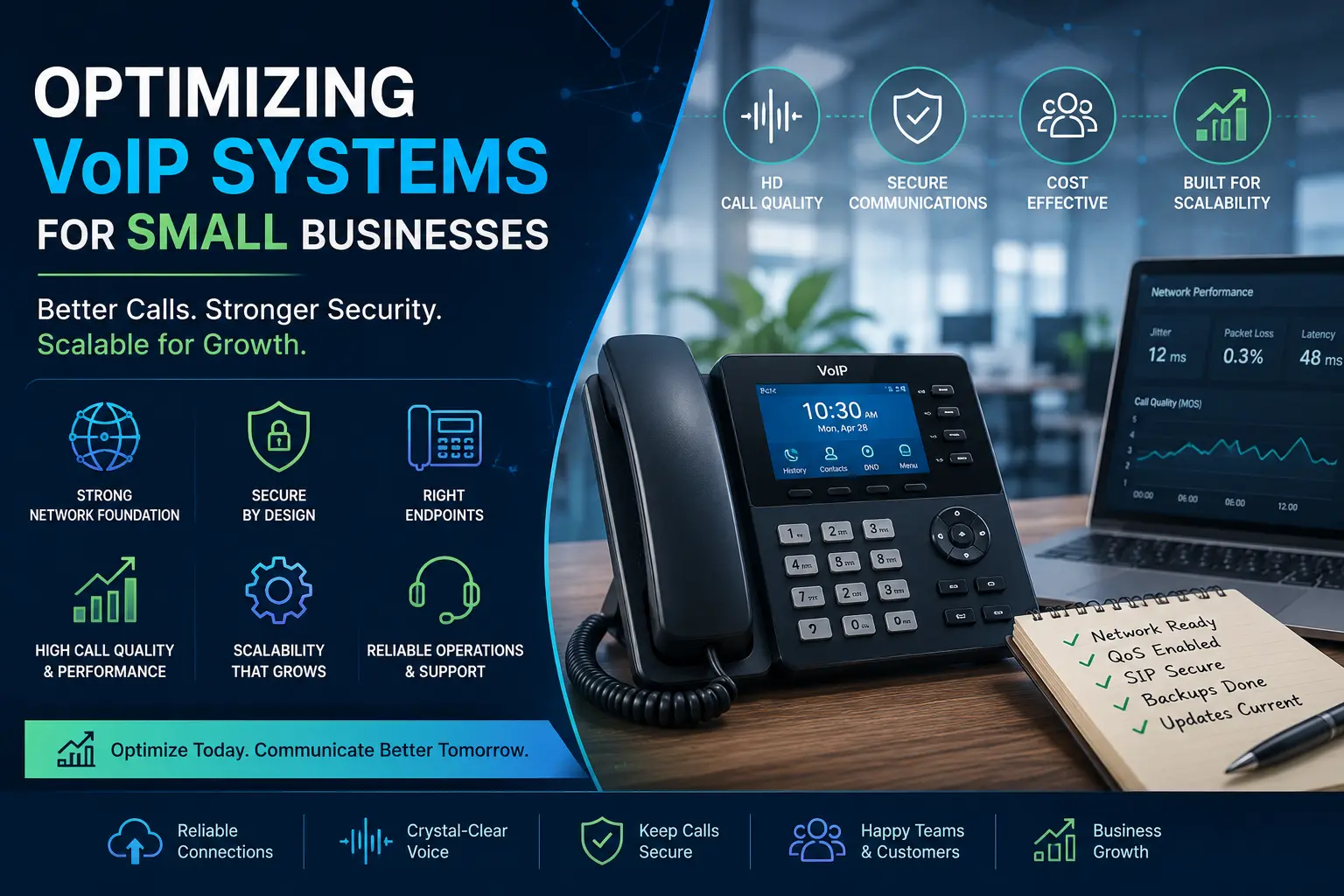
A small business VoIP deployment rarely fails on day one. It fails six months in, when call volume doubles, a remote office joins the platform, or an ISP swap quietly breaks QoS. The work below is the foundation that prevents that — what to do upfront, what to check quarterly, and where the common shortcuts cost you later.
Start with the network, not the phones
The single biggest mistake in small-business VoIP rollouts is treating phones as the project and the network as an afterthought. Voice is real-time traffic with hard limits: roughly 150 ms of one-way latency, 30 ms of jitter, and 1 % packet loss before users start hearing it. Above those thresholds, the call still connects — it just sounds bad, and people stop using the system.
Before you provision a single extension:
- Run a bandwidth baseline. A G.711 call uses ~85 kbps each way. G.729 uses ~30 kbps. Multiply by your peak concurrent calls, then add 30 % headroom for signaling and overhead. If you’re sharing the WAN with video conferencing or backups, that headroom needs to be bigger.
- Separate voice traffic. Put phones on a dedicated VLAN (typically VLAN 10 or whatever your switch defaults to as “voice”). This isolates broadcast traffic from data devices and makes QoS classification clean.
- Verify your firewall isn’t breaking SIP. Disable SIP ALG on the firewall. It is the single most common cause of one-way audio, registration failures, and dropped calls in small offices. The acronym says “Application Layer Gateway” — in practice it rewrites SIP packets badly enough to break what it claims to help.
Pick endpoints with the deployment in mind
Hardware is where small businesses overspend on the wrong things and underspend on the right ones.
- Desk phones matter for fixed-seat staff (reception, sales floors). Yealink, Poly, and Cisco are all widely supported on NetSapiens® — pick the model with the right line key count, not the prettiest screen. Auto-provisioning from the platform is mandatory; manual configuration does not scale past five phones.
- Softphones matter for hybrid and remote staff. The platform’s native mobile and desktop apps handle the common cases. Third-party SIP clients work but break first when the platform pushes updates — avoid unless you have a specific feature need.
- Headsets are where call quality is won or lost for softphone users. A USB headset with active noise cancellation costs $80–$150 and eliminates 80 % of the “I can hear typing” complaints you’ll otherwise log forever.
Security: defaults are not enough
VoIP fraud is automated. Within hours of a publicly reachable SIP endpoint, brute-force registration attempts will start. A small-business deployment without security hardening can be turned into a toll-fraud relay overnight, and the bill arrives before the alert does.
Minimum hardening for any production deployment:
- TLS for signaling, SRTP for media. Both should be platform defaults — verify they’re actually negotiated, not just configured.
- Strong SIP passwords. Random, 16+ characters, unique per extension. Never reuse the extension number as the password.
- Geographic restrictions. Block international destinations you don’t call. Add a per-extension daily call limit if the platform supports it.
- Failed-registration lockout. After N failed attempts from an IP, block it. NetSapiens® handles this at the platform level; verify it’s enabled for your tenant.
- Audit trail. Every change to dial plans, extensions, or call routing should be logged with who, when, and what. If your team isn’t running this in-house, outsourced 24/7 NOC monitoring for NetSapiens® watches registration anomalies and fraud patterns continuously and escalates before the bill arrives.
Plan for scale before you need it
The deployments that age well are the ones where the structure was built for ten times the current users.
- Extension numbering. Don’t start at 100 if you expect to hit 1,000. Pick a four-digit range with room for departments (1xxx for sales, 2xxx for support, etc.) so the dial plan stays readable.
- Hunt groups and call queues. Build these even if you start with one user per group. Adding a second user later is a one-click change instead of a rebuild.
- Voicemail-to-email. Configure once, save hours of “I missed a call” follow-ups forever.
- Music on hold and announcements. Record real audio, not the default. It signals professionalism and gives callers something other than dead air during transfers.
Operate, don’t just deploy
The deployment isn’t the project — the operations are. Set a quarterly review covering:
- Codec performance and packet-loss trends per site
- Failed-registration attempts and any geographic anomalies
- Unused extensions and decommissioned hardware
- 10DLC and TCR campaign status for any SMS-enabled extensions
- Firmware versions on every phone, with a phased upgrade plan
If you don’t have someone running that quarterly review internally, that’s exactly the kind of operational coverage outsourced white-label VoIP helpdesk and Tier 1–4 NetSapiens® support exists for — a white-label engineering team handles the unglamorous day-2 work that keeps the deployment honest.
Get the foundation right, harden against the predictable failure modes, and the system runs quietly for years. Skip these and you spend the next twelve months firefighting the same five issues every week.