
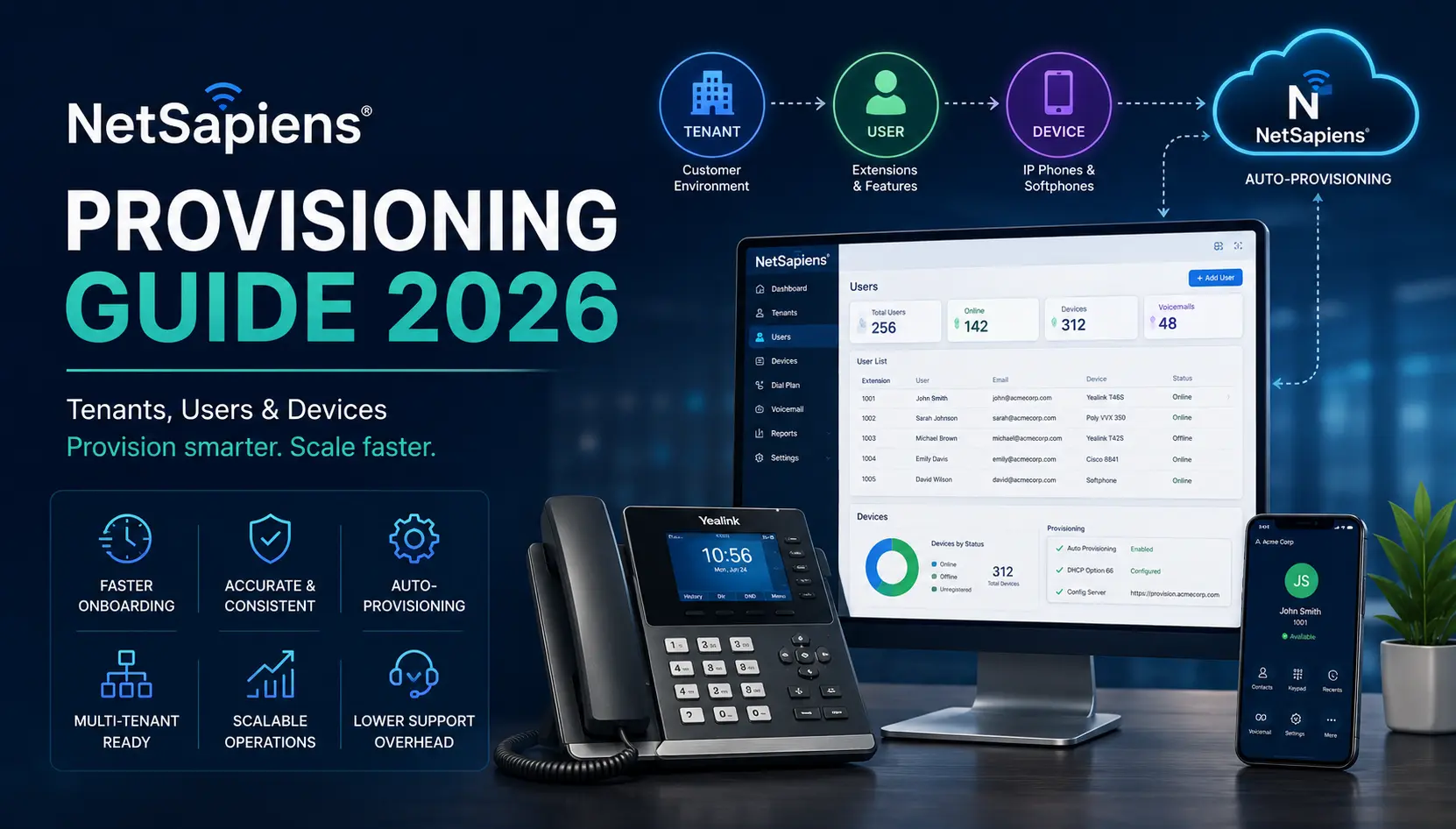
Provisioning is the highest-frequency operational task on NetSapiens®. Every new customer means a new tenant; every new employee means a new user; every new desk means a new device. The work itself isn’t complicated — but at scale, the difference between a thoughtful auto-provisioning setup and ad-hoc manual configuration is the difference between minutes per phone and hours per phone. This guide covers the three provisioning layers and the patterns that keep new-user onboarding off the engineering critical path.
The three layers
NetSapiens® provisioning works in three nested layers:
- Tenant provisioning — standing up a new customer environment (a “domain” in NetSapiens® vocabulary), with its own dial plan, users, features, and billing.
- User provisioning — adding extensions, voicemail boxes, and per-user features inside an existing tenant.
- Device provisioning — getting an IP phone or softphone configured to register against the platform as a specific user.
Each layer has its own cadence: tenant work happens at customer onboarding (rare, deliberate); user work happens whenever a customer adds an employee (regular); device work happens whenever a phone changes hands or factory-resets (constant). Scaling the layers separately is what separates a smooth reseller operation from a chaotic one.
Tenant provisioning
Tenant provisioning is the deliberate, one-time work of standing up a new customer environment. It happens at the front of every customer onboarding and is structured rather than rushed.
The provisioning sequence we run for a new tenant:
- Clone from a template. Build one or two reference tenants early in the platform lifecycle, then clone every new tenant from a template. This is the highest-leverage thing you can do for provisioning velocity.
- Override customer-specific configuration. Tenant name, branding, time zone, billing cycle, contracted features. Anything the template defaults that doesn’t fit, fix immediately rather than later.
- Build the dial plan from the customer’s routing requirements. Outbound destinations, inbound DID-to-target mappings, IVR menus, queues, hunt groups. The dial-plan work is where tenant provisioning takes longest — the dial-plan cheat sheet covers the standard patterns.
- Wire integrations. PSA ticket routing, recording archive destinations, CRM dial-out, billing integration. Test each before declaring the tenant live.
- Provision the first administrator user. Every tenant needs at least one admin user before the customer can self-service. Set up the customer’s primary contact as the admin.
A tenant provisioning takes hours, not minutes — and that’s correct. The template-and-clone pattern amortises the work so that “hours per tenant” stays roughly constant rather than growing as your customer count grows.
User provisioning
User provisioning is the regular operational rhythm of adding extensions to existing tenants. It happens whenever a customer adds an employee, opens a department, or restructures their team.
The sequence per user:
- Pick the right tenant. Provisioning a user into the wrong tenant is the highest-frequency per-user mistake. Verify the tenant matches the customer before opening the user form.
- Assign the extension. Stay within the extension range the tenant uses (and matches their dial plan’s internal-extension match rule). Extension collisions inside a tenant cause routing surprises that take time to diagnose.
- Set display name, email, and direct DID. These feed caller ID, voicemail-to-email, and the user’s softphone configuration. Get them right at provisioning rather than fixing them later.
- Configure features. Voicemail box (with a default greeting), call forwarding rules, find-me-follow-me, presence, recording opt-in if applicable. Default everything; the user refines later.
- Bind a SIP device profile. Even if no physical phone is being provisioned today, having the SIP profile ready means the device-provisioning step is one click away when the phone arrives.
A user provision takes minutes, not hours, once the tenant is set up. The bottleneck is verifying the customer’s request (which extension number, which features, which DID), not the platform work.
Device provisioning — the layer that breaks if you do it wrong
Device provisioning is where the difference between thoughtful setup and ad-hoc setup is most visible. Manual provisioning — opening every phone’s web interface and typing in the server hostname, username, password, codec list, and feature configuration — takes 20+ minutes per phone and is error-prone. Auto-provisioning takes minutes per phone, scales arbitrarily, and is recoverable from a factory reset without re-doing the work.
The two auto-provisioning patterns we use:
DHCP option 66 (for on-premises phones)
The phone, on factory boot, asks DHCP for an IP address. The DHCP server response includes option 66, which carries the URL of the provisioning server (NetSapiens® generates a per-tenant or per-MAC config file at that URL). The phone fetches its configuration, applies it, and registers to the platform as the user it was bound to.
This pattern works in any office where you control the DHCP server. It does not work for remote workers behind home routers that don’t serve option 66.
Fixed provisioning URL (for remote phones or where you don’t control DHCP)
Two sub-patterns for this case:
- Pre-stage the phone in the office. Configure the provisioning URL in the phone’s manual settings before shipping to the remote user. The phone calls home on every boot and stays configured.
- Use the phone vendor’s redirection service. Yealink RPS, Poly ZTP, Cisco WebEx Calling provisioning — these are vendor-operated services where you register the phone’s MAC address against your provisioning URL. The factory-reset phone calls the vendor’s redirector first, gets redirected to your provisioning server, then fetches its config. Useful when phones ship directly from a distributor to the remote user. For the full Yealink RPS/YMCS walkthrough — including how to authenticate the pull with credentials instead of whitelisting the phone’s IP — see zero touch provisioning for Yealink phones without IP whitelisting.
For most reseller deployments, supporting both DHCP option 66 (for office workers) and vendor redirection (for remote workers) covers the field.
Softphone provisioning
Softphone provisioning is the simplest layer: the user signs into the platform’s native mobile or desktop app with their tenant credentials, and the app self-configures. No URL to manage, no MAC address to track. For third-party SIP clients (Bria, Linphone, Acrobits), the user enters server hostname, username, password, and codec preferences manually — workable, but more support-overhead than the native apps.
For remote-heavy deployments, leading with softphones over physical phones reduces the provisioning workload substantially.
Common pitfalls
The mistakes we see most often, in rough frequency order:
- Provisioning a user into the wrong tenant. Slow down. Verify the tenant name and the customer it maps to before clicking save.
- MAC address typos. Auto-provisioning matches the MAC to the user; a typo means the phone never finds its config. Copy-paste from the phone’s web interface or sticker; never re-type.
- Stale configuration on factory-reset phones. A phone returned from a previous user may still have the previous user’s configuration. Factory-reset before re-provisioning.
- Codec mismatches. Provisioning a phone with codecs the tenant’s trunk doesn’t support produces calls that connect but have no audio. Standardise the codec list across the tenant’s devices.
- Skipping the test call. Three tests (outbound caller ID, inbound ring, voicemail-to-email) catch nearly every per-user provisioning issue. Don’t skip them.
- DHCP option 66 misconfiguration. The wrong URL, an HTTP vs HTTPS mismatch, or a server certificate the phone doesn’t trust will all silently fail. If a freshly-staged phone doesn’t register, check the option 66 response first.
What we run for resellers
Provisioning is one of the highest-volume tasks our white-label Tier 1–4 NetSapiens® support handles for resellers — new users, new devices, re-provisions after hardware swaps, remote-worker setups. The patterns above are how we keep per-task time consistent across thousands of provisions. For the broader operational layer, the NetSapiens® support and operations team holds the rest of the platform steady.
Independence and disclosure
VoIP Support Pro is an independent provider of support services for the NetSapiens® platform. We are not affiliated with, endorsed by, or sponsored by NetSapiens® or Crexendo, Inc. NetSapiens® is a registered trademark of Crexendo, Inc. Provisioning patterns above reflect our operational practice with NetSapiens® deployments; vendor-specific tooling and version-current behaviour remain canonical from the platform and phone vendors.